
Keep the person at the centre
Begin with who died and the circumstances. Choose how return works in the setting and how gentle or demanding its consequences should be.
Campaign & story
Prepare the choice.
Play the return.
Follow the life afterward.

A return with meaning
Connect the person, a willing soul, the ritual and the life waiting afterward.
Begin with who died and the circumstances. Choose how return works in the setting and how gentle or demanding its consequences should be.
Set clear requirements, a ritual and the soul's decision. Carry the outcome into relationships, memories, faith, law and unresolved debts.
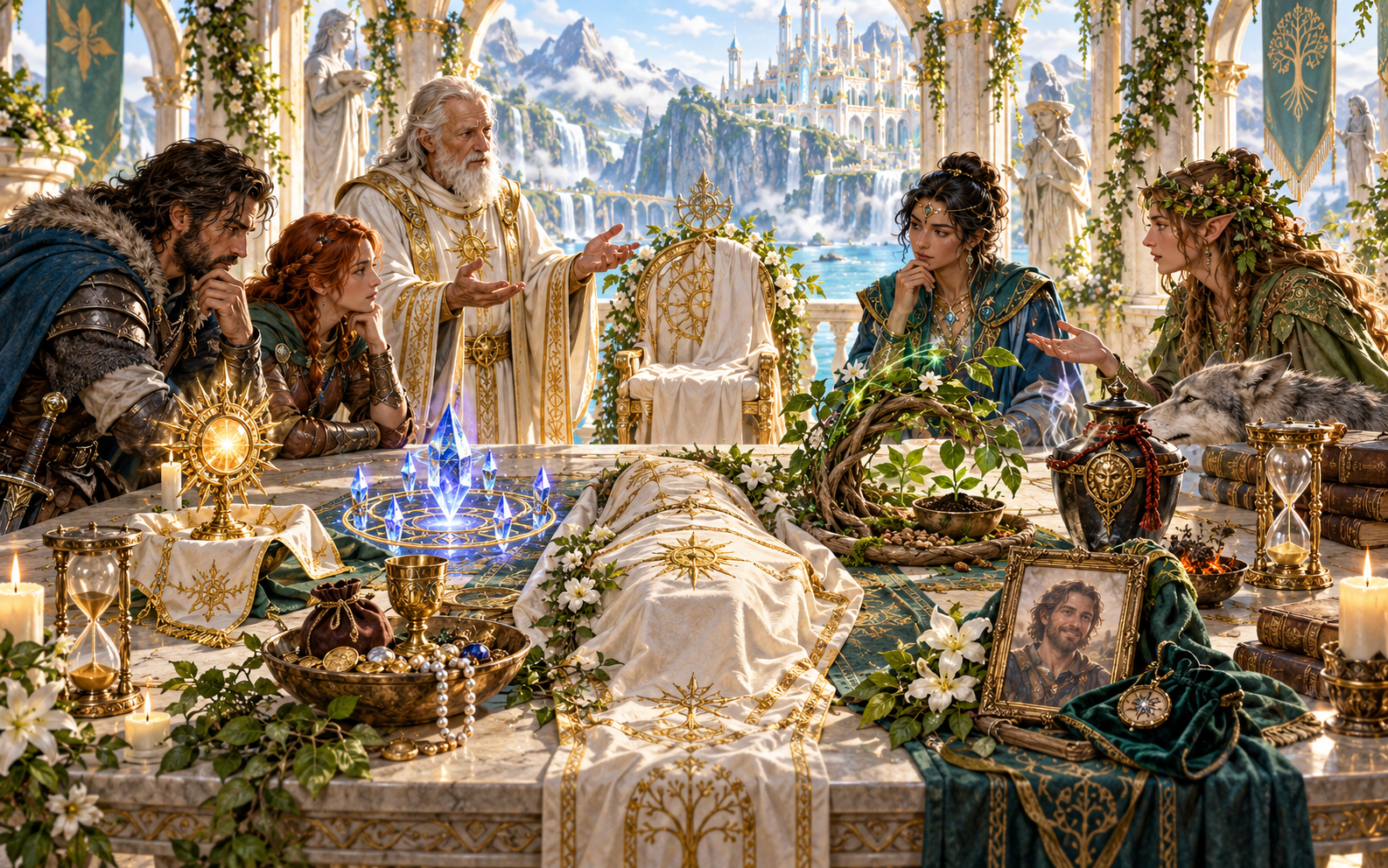
Return methods, requirements and consent
Explore divine, arcane, natural, pact-bound or spontaneous return. Set body availability, time dead, the willing soul, the petitioner and any rival claim.
Prepare offerings, prices and possible substitutes. Keep the requirements connected to the setting and leave room for the soul's choice.
What you can prepare
Build a complete return guide, then refine the details your session needs.
Choose who died, how it happened and how rare resurrection is in the setting. Keep the person at the centre of the return.
Explore divine, arcane, natural, pact-bound or spontaneous paths. Set the methods your setting permits and the requirements each one carries.
Record willingness and any rival claim on the soul. Prepare the moment the person chooses whether to return; consent remains part of the story.
Refine body availability, time dead, the petitioner, ritual requirements, offerings, price and possible substitute prices.
Build ritual stages, a possible interruption and one meaningful complication. Give the return an event the table can play.
Describe a memory, vision or glimpse beyond death. Decide what the returned person remembers and how that changes their perspective.
Make the return gentle or demanding as the story needs. Consider repeated returns, visible effects, personal changes and unresolved debts.
Show how family, friends, faith, law and the wider community respond. Carry consequences into relationships, status and future story hooks.
Lock facts that entered play and rebuild selected material. Refine requirements, consent, ritual and aftermath with editing, undo and redo.
Save account-library versions, rename or duplicate returns and add tags or notes. Copy the DM guide or player summary, download JSON or print.
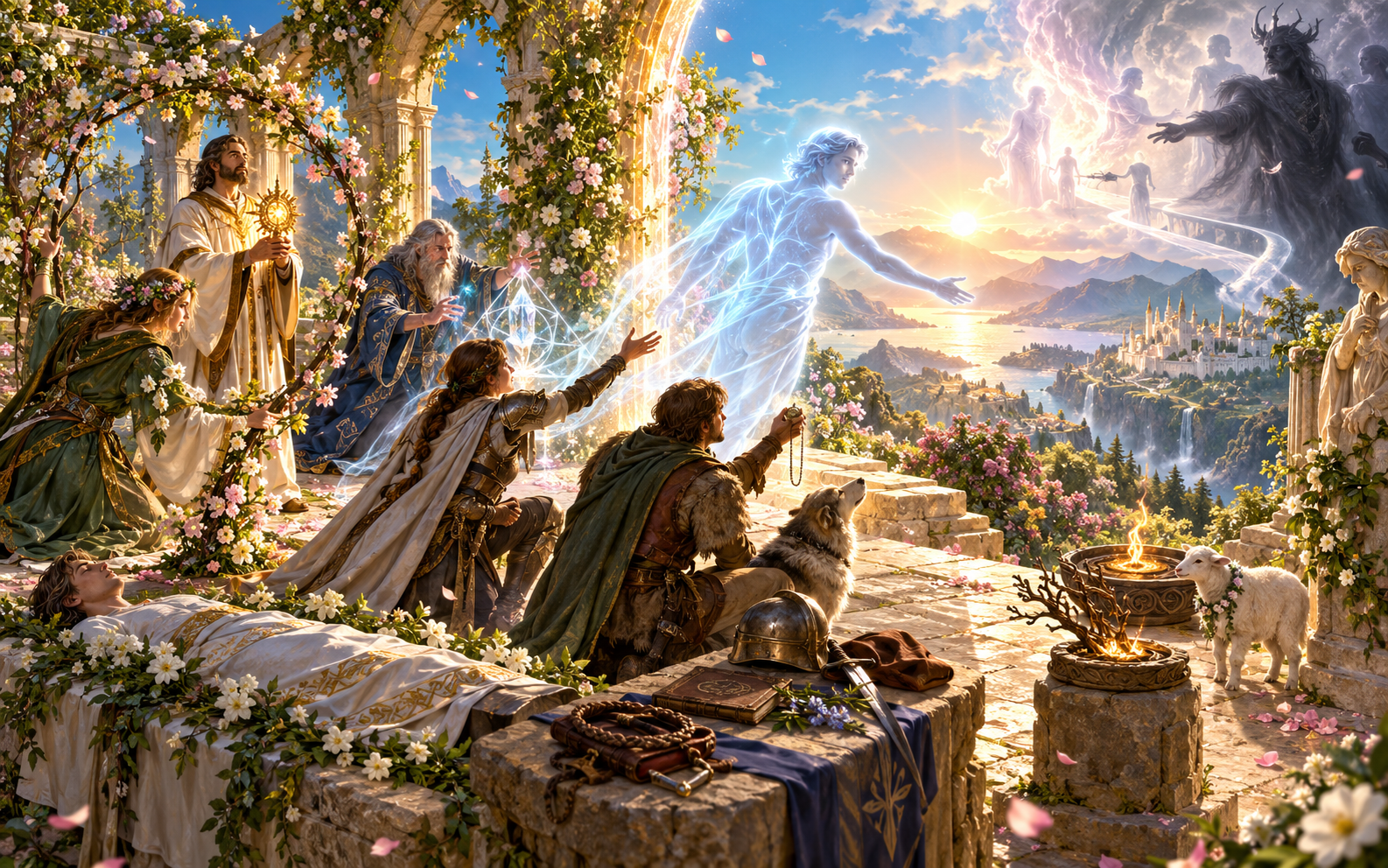
Ritual stages and a glimpse beyond
Choose who died, how rare return is, the method and the desired weight of consequences. Prepare the requirements, ritual stages and one meaningful complication.
Add a glimpse beyond the veil and a possible interruption. Describe the choice to return, the visible effects and the immediate aftermath.
Quick setup. Deeper preparation.
Keep the requirements, choice and consequences clear as you refine the story.
Set the person, death circumstances, rarity, method and consequence weight. Generate requirements, ritual, glimpse beyond, complication, soul choice and immediate aftermath.
Refine body availability, time dead, petitioner, rival claims, substitutes, prohibited methods and repeated resurrection. Check that the price fits the setting.
Choose memories from beyond, return effects, unresolved debts and social or legal status. Consider how family, faith and the person respond.
Lock established material and rebuild only what has not entered play. Edit details and use undo or redo while shaping the return.

Relationships, faith and law
Describe the returned person's memories, visible effects and changed place among family and friends. Choose the strength of the consequences instead of making punishment the default.
Follow unresolved debts, religious responses, social acceptance and legal status. Give the party future story hooks grounded in what the return meant.
Saved returns and table references
Reopen a useful setup and select the material you need at the table.
Save returns through your account and keep versions. Reopen a result, rename it or duplicate a useful setup for another story.
Add tags or notes and refine requirements, ritual, consent, return effects and aftermath in the same workspace.
Copy the complete Dungeon Master return guide or a player summary. Review the selected material before sharing it with the table.
Download the finished result as JSON or print the chosen version. Keep a reference for the ritual and the life that follows it.
Your desktop and related products
Open this generator on your desktop and use dedicated tools for other parts of play.

Open your VISINVOKE products through one signed-in Windows desktop workspace.
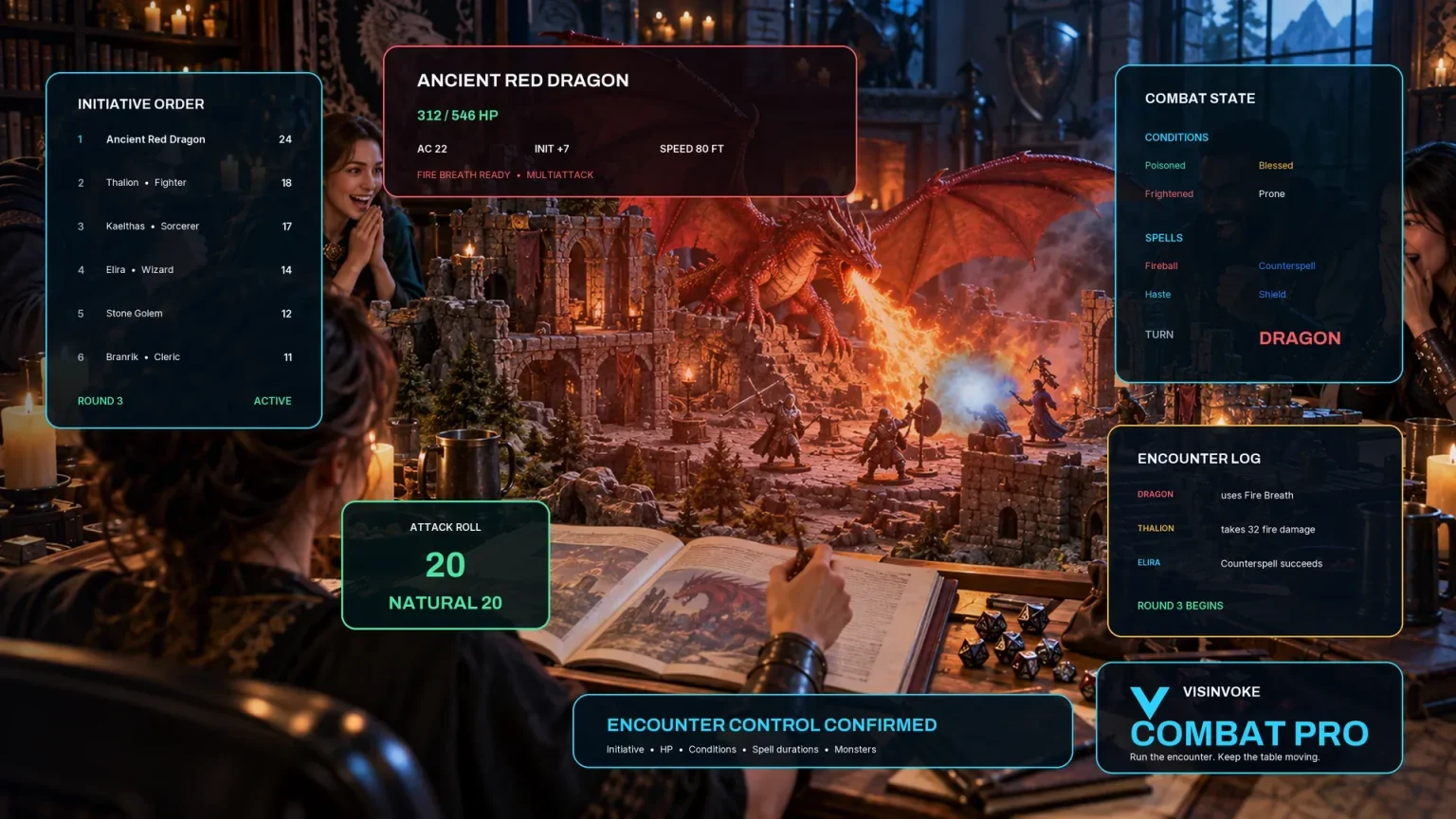
Use the dedicated encounter workspace for combat. Death, Resurrection & Return prepares ritual and aftermath material; it does not transfer or start an encounter.
Artwork illustrates fictional return scenes and related products, not application screens.
Questions and answers
Consent, consequences, saved material and account access at a glance.
It prepares the person and death context, return method, requirements, willing soul, ritual, glimpse beyond, complication, return effects and aftermath. The return stays connected to the life that follows.
Record willingness and any competing claim on the soul. Prepare the choice point in the ritual and allow the soul to refuse. Consent is part of the approved return guide.
No. Choose the weight of consequences for your setting and table. A return can carry emotional meaning without being impossible or punishing by default.
Yes. Lock facts already used in play and selectively rebuild the remaining material. Edit requirements, ritual choices, consent, effects and aftermath in the same desktop workspace.
Save account-library versions, rename or duplicate a setup, add tags or notes and reopen it. Copy the full DM guide or a player summary, download the result as JSON or print the version you need. Review material before sharing.
Open the Generators collection in Desktop Control Centre on Windows through your VISINVOKE account. Review individual subscription access and current pricing in your account. A free account is separate from paid generator access.
Continue in VISINVOKE
Create a free VISINVOKE account or sign in to your existing account. Get Desktop Control Centre through your account installer page.
Open the Generators collection on Windows. Review current subscription and access details in your account.